
Free Sleep Tracker Apps: What Works Without a Watch?
Learn how free sleep tracker apps work without a smartwatch, their accuracy limits, and practical tips to track your sleep quality using your phone.
· 4 min read
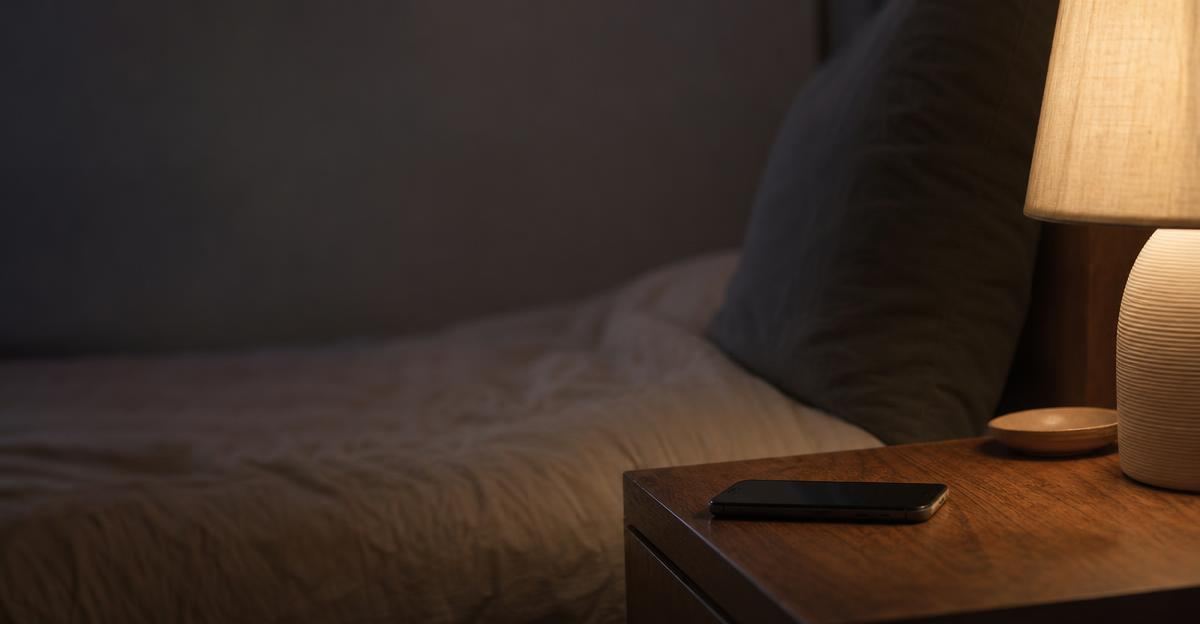
Many people assume that monitoring nightly rest requires wearing a smart watch or fitness band to bed. If you dislike sleeping with jewelry, find charging wearables overnight inconvenient, or simply want to track your habits without buying new hardware, your smartphone can do remarkably well on its own.
Phone-based sleep tracking relies on different mechanisms than wrist sensors. Understanding how these tools work, where their limits lie, and how to use them effectively can help you spot trends in your sleep hygiene without spending a dollar.
How Phone-Only Sleep Tracking Works
Dedicated wearables generally use photoplethysmography (optical light sensors) to measure heart rate and pulse variability. Without skin contact, phone-based apps rely primarily on two alternative inputs: movement and sound.
Accelerometer and Mattress Motion
Some apps ask you to place your phone face down on your mattress near your pillow. As you shift throughout the night, the phone’s internal accelerometer registers bed movement. Quiet periods are categorized as deeper sleep, while frequent tossing suggests lighter stages or brief awakenings.
This approach works best on traditional mattresses where one person sleeps. If you share a bed with a partner or a pet, their movements will register on your phone, muddying your data.
Sonar and Acoustic Monitoring
Other tools use your phone’s microphone or low-frequency audio reflection (sonar) to track breathing patterns and ambient noise from a nightstand. By analyzing rhythmic respiration and sudden sounds like snoring or coughing, these apps estimate when you fall asleep and wake up.
Acoustic tracking removes the need to place a device on your bed, but it requires a relatively quiet room. A loud ceiling fan, white noise machine, or street traffic can sometimes interfere with acoustic sensitivity.
What Free Phone Trackers Do Well (and What They Miss)
Smartphone sleep apps provide valuable high-level insights, but it helps to be realistic about their technical boundaries.
The Strengths
- Sleep timing consistency: A phone tracker is exceptionally good at logging your bedtime, wake time, and total time in bed. Consistency across these markers is one of the strongest drivers of circadian rhythm health.
- Disruption awareness: Audio-based tools can alert you to frequent snoring, talking in your sleep, or waking periods you might not fully remember.
- Correlation with daily habits: You can easily see how an evening workout, late caffeine, or a heavy dinner shifts your perceived sleep onset.
The Limitations
Phone apps often display detailed charts breaking down light, deep, and REM cycles. Without direct physiological signals like continuous heart rate variability or brain wave data (EEG), these phase breakdowns are rough mathematical estimates rather than clinical measurements.
While these tools are excellent for self-reflection, they are not diagnostic instruments. If you regularly wake up exhausted, gasp for air at night, or suspect sleep apnea, use this data as general information and speak with a qualified medical provider for an evaluation.
Practical Tips for Accurate Phone Sleep Tracking
To get clean data from a watch-free setup, small adjustments to your bedroom environment make a significant difference.
1. Position the Phone Consistently
If your app uses motion tracking, place the phone in the same corner of the mattress every night, making sure it will not slide off or get buried under heavy pillows. If it uses audio monitoring, set it on a clear nightstand at mattress height, pointing the microphone toward your side of the bed.
2. Plug in Overnight
Continuous microphone monitoring or sensor logging draws steady battery power over seven to eight hours. Keep your phone connected to a charger so tracking is not interrupted by a dead battery before morning.
3. Pair Tracking with Evening Routine Habits
Tracking works best when it prompts positive behavior changes. If your sleep log reveals long delays before falling asleep, look at your pre-bed habits. Dimming bright overhead lights an hour before bed and keeping room temperatures cool support your body's natural drop in core temperature. The Sleep Foundation's sleep hygiene guidelines highlight that environmental factors like darkness and consistent schedules often matter far more than technical gadgetry.
Using Sleep Data to Understand Your Daily Energy
Sleep does not happen in isolation; it directly influences how you move, eat, and recover the next day. A short night of rest often alters appetite-regulating hormones, increasing cravings for dense, quick-energy foods. Recognizing this pattern helps you stay patient with your nutrition when fatigue sets in, rather than wondering why poor sleep increases appetite and calorie intake out of nowhere.
Logging your sleep alongside daily steps, workouts, and meals gives you a complete picture of your recovery. When you look at your health holistically—connecting how you slept to how your training felt—you can make practical adjustments that keep you feeling energized throughout the week. Streamlined logistics make managing daily routines simpler, much like how specialized transit services clarify How It Works for scheduled transportation.
Simple Habits for Better Rest Tonight
You do not need an expensive wearable to start improving your nightly rest. Begin by tracking your sleep schedule with your phone for two weeks to establish your baseline bedtime and wake-up window. Aim to keep those times within a 30-minute range every day, even on weekends.
Combine your sleep data with your daytime activity to see how your habits connect. When you are ready for a simple, unified way to monitor your progress, try Stride to log meals, workouts, and weight in one place.
Put this into practice with Stride
Log meals, training, weight and sleep in seconds, then get guidance that fits your own numbers.
Try Stride free