
Free Photo Calorie Apps: How Many Meal Scans Do You Get?
Learn how free photo calorie apps handle meal scan limits, how daily allowances work, and practical ways to make the most of your visual meal tracking.
· 4 min read
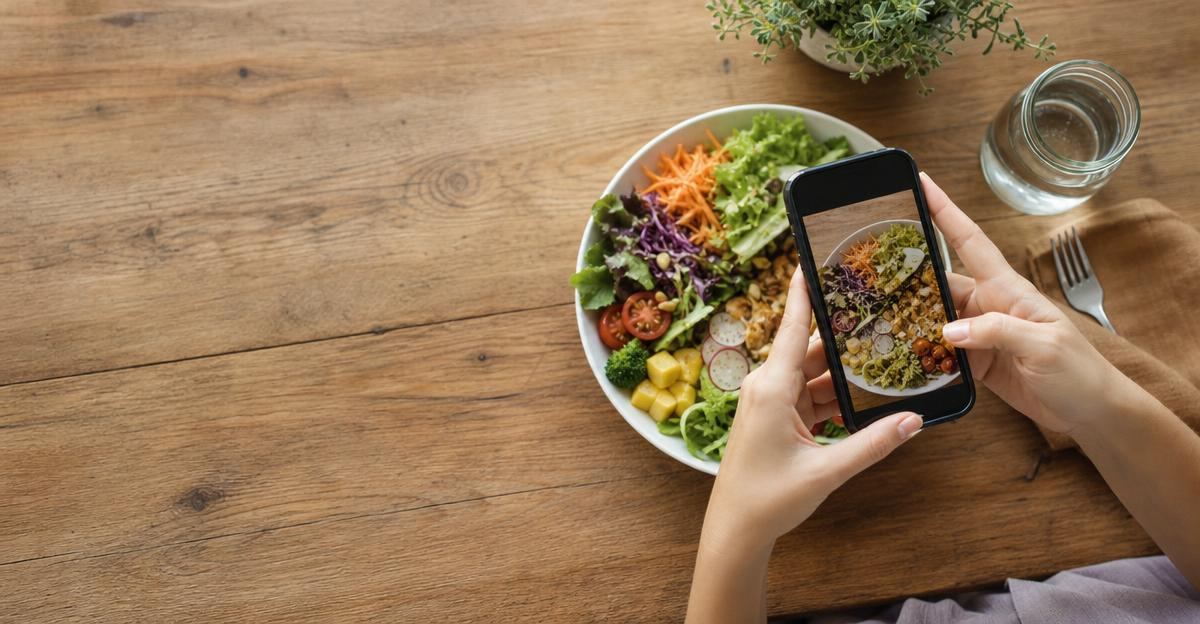
Taking a quick photo of your plate is one of the easiest ways to build a consistent nutrition habit. Instead of searching a database for five separate ingredients while your food gets cold, visual recognition software analyzes your meal in seconds. However, if you are testing free versions of photo nutrition apps, you have likely run into scan limits, trial paywalls, or daily caps.
Understanding how free tiers handle photo meal logging helps you choose a tool that fits your daily routine without unexpected interruptions.
Why Apps Put Limits on Photo Meal Scans
Computer vision and generative image models require real-time processing power. Every time you snap a picture of a turkey wrap or a bowl of oatmeal, the image is sent to an external server where an AI model identifies ingredients, estimates portion volume, and matches the food against verified nutritional databases.
Because cloud computing costs money for every single scan, most developer models handle free access in one of three ways:
- Daily scan limits: The app gives you two to four scans every 24 hours. This covers baseline meals like breakfast, lunch, and dinner, but leaves little room for afternoon snacks or coffee drinks.
- One-time lifetime trial banks: You receive a set pool of free scans (often between 5 and 20 total) when you first create an account. Once that bank runs out, the camera feature locks until you upgrade.
- Timed free trials: You get unlimited photo scans for three to seven days, followed by an automatic subscription prompt.
When evaluating these models, it helps to understand how accurate is AI calorie tracking across diverse foods so you can decide if a paid tier or a generous free allowance is worth your investment.
Average Scan Allowances Across Free Tiers
In 2026, standalone visual tracking apps offer varying levels of free access. While exact numbers shift between software updates, standard industry tiers generally fall into predictable ranges.
| Model Type | Typical Free Allowance | Best Suited For |
|---|---|---|
| Daily Rolling Cap | 1 to 3 photo scans per day | People who only log main cooked meals and enter snacks manually |
| Lifetime Token Bank | 10 to 15 total scans | Users testing recognition quality before committing to a tool |
| Hybrid Freemium | Unlimited manual text logging + 1 daily photo scan | Budget-conscious trackers who want quick visual logging for complex dinners |
| Feature-Gated Free | Basic calorie breakdown free; micronutrients locked | People who want high scan volume without detailed vitamin metrics |
If an app restricts you to three scans a day, you have to be intentional about what you photograph. Many users choose to use their photo scans on mixed, multi-ingredient meals where manual entry takes the longest, while typing in simple items like an apple, a protein shake, or black coffee by hand.
How to Maximize Limited Free Scans
When working within a daily or monthly scan allowance, small adjustments in your routine ensure you do not run out of scans before dinner:
- Combine side dishes into one frame: Place your main protein, carbohydrate source, and vegetables on the same plate before taking your picture. Good recognition models can segment distinct foods in a single photo, saving you from spending three separate scans on one dinner.
- Save scans for restaurant meals: Packaged snacks already have clear barcodes, and single-ingredient staples are quick to search. Use your photo allowance when eating out or enjoying home-cooked stews where portion sizes are harder to gauge manually.
- Keep lighting clear: Blurry or dim photos can cause the scanner to misidentify items, forcing you to delete and rescan the plate. Good overhead lighting ensures your first scan captures the meal accurately.
- Use voice or text notes as a backup: If you run out of daily scans, use built-in voice-to-text or quick-add features to record what you ate while it is still fresh in your mind.
Building structured meal routines makes tracking far simpler, whether you are managing personal fitness or helping family members stay organized. For households balancing multiple health routines at home, exploring why medication reminders meal prep matter highlights how simple advance planning supports consistent daily nutrition.
The Role of Visual Logging in Long-Term Habits
Visual meal tracking is not about achieving laboratory-level perfection at every sitting. Instead, it serves as an educational tool that builds awareness around your baseline intake, macronutrient balance, and portion trends.
According to the Dietary Guidelines for Americans, establishing a consistent dietary pattern over time matters far more for health outcomes than the exact metrics of any single meal. Photo logging reduces the daily friction of data entry, helping you stay mindful without turning mealtime into a chore.
Please note that dietary guidelines and nutritional tracking tools provide general health information and are not personal medical advice. If you have specific dietary requirements, underlying conditions, or questions about intentional weight management, consult a registered dietitian or physician.
A Simpler Way to Track Your Day
If you want an intuitive way to track your daily habits without juggling multiple single-purpose apps, Stride makes it seamless. Try Stride to log meals, workouts, and weight in one place, giving you a clear, complete picture of your daily wellness.
Put this into practice with Stride
Log meals, training, weight and sleep in seconds, then get guidance that fits your own numbers.
Try Stride free